Sub Categories
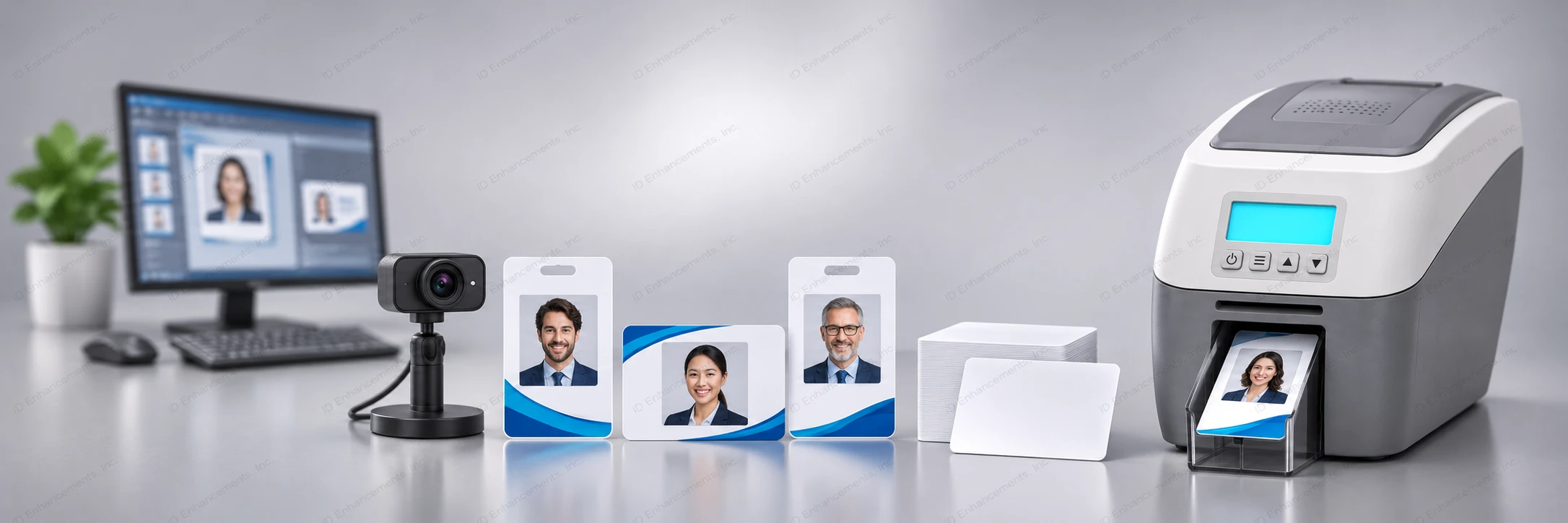
Photo ID Badging Systems & Badge Printer Kits
Create employee photo IDs, student badges, membership cards, and visitor credentials in-house with an ID card printer bundle matched to your workflow. ID Enhancements carries HID FARGO, Magicard, Evolis, and Zebra badging systems for everything from occasional replacement cards to scheduled batch printing. Compare the printer, software edition, and supplies listed for each kit to see what you can use from day one and what you may need to order separately.
What Comes in an ID Badging Kit?
An ID card printer bundle may include card design software, a starter ribbon, blank printable cards, and setup accessories. Select kits also include a photo capture camera, printer cable, cleaning supplies, or technical support. Check the individual listing for the exact printer configuration, software edition, and supply quantities.
Printer & Printing Supplies
Check whether the printer is single-sided or dual-sided, how it connects to your workstation, and which ribbon, film, and cards it uses. Compare the starter supply quantities with your first print run, especially if you’re rebadging an entire site or issuing cards at the start of a school term.
Software & Photo Capture
Confirm the software edition, operating system requirements, and features for templates, photo import, and record management. If staff will take photos at the badging desk, check whether a camera is included. If you already have a personnel database, verify how the software can use those records.
How to Choose the Right Badge Printer Bundle
Single-Sided or Dual-Sided?
Single-sided printing works for a photo, name, and logo on the front. Choose dual-sided printing if you also need a barcode, return instructions, or other details on the back.
Direct-to-Card or Retransfer?
Direct-to-card printers print onto the card surface. Retransfer printers apply the image using film. For edge-to-edge designs or technology cards, verify the printer’s coverage and compatibility with your exact card stock.
How Many Badges on Your Busiest Day?
A few new-hire badges and a full orientation rush call for different capacities. Compare print speed in your preferred mode, card hopper capacity, and how often you’ll reload supplies.
What Will Each Card Cost?
Compare replacement ribbon and film yields, then factor in blank cards, any laminate, cleaning supplies, and routine reprints.
Will the badge open doors? Confirm the required credential technology first. Then check whether you’ll print on compatible pre-encoded cards or need a printer configuration with the appropriate encoder.
Badging Systems by Application
Employee & Contractor IDs
Issue new-hire badges and replace lost cards at offices, healthcare facilities, and industrial sites. Use shared templates to maintain a consistent look across locations.
Student & Staff IDs
Prepare for orientation and start-of-term printing. Choose software that lets staff retrieve a student record and reprint a card when needed.
Member & Visitor Cards
Print membership cards at check-in or issue photo credentials to recurring visitors. Use reusable templates to speed up photo capture and card issuance.
Frequently Asked Questions
Can I use my existing blank or pre-encoded cards?
Check the card size, thickness, material, and printable surface against the printer’s specifications. For cards with a chip, antenna, or magnetic stripe, confirm that the printer and any selected film or laminate support that card construction.
Do I need lamination for employee badges?
Consider lamination for frequently handled badges that need added protection. Verify that the printer configuration supports lamination and that the laminate is compatible with the printer and your card stock.
Which supplies should I reorder with my kit?
Use the exact printer model and configuration to match replacement ribbons, any required retransfer film, and the correct cleaning kit.