

Description
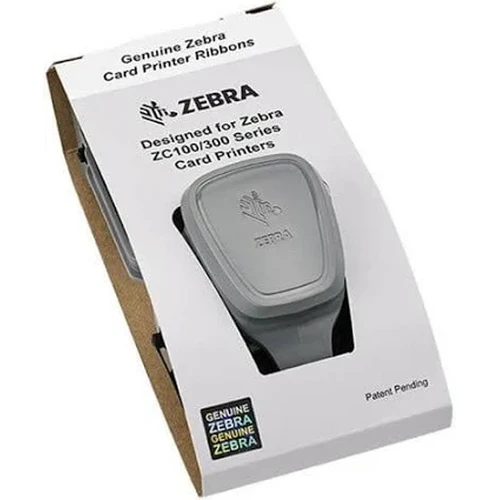
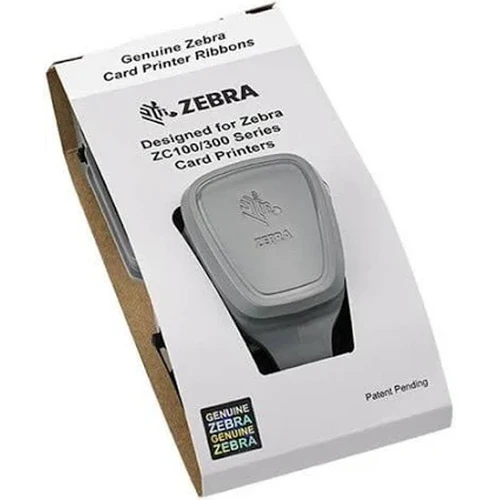
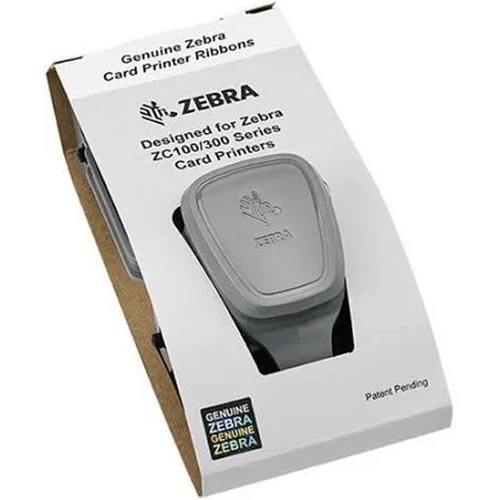
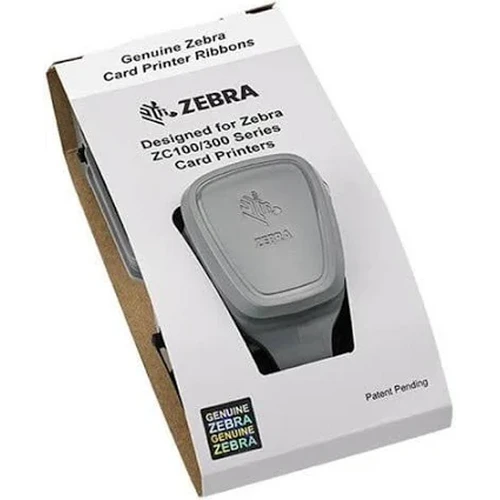
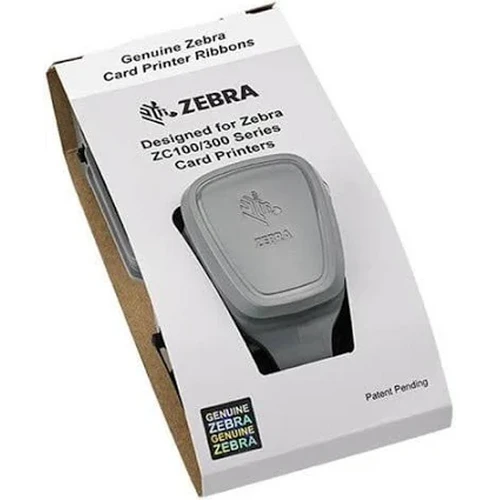
Zebra 800300-360 YMCKOK Color Ribbon for ZC300 – 200 Images
Print a full-color photo ID on the front and crisp black text or a barcode on the back with the Zebra 800300-360 YMCKOK ribbon. Designed for compatible dual-sided Zebra ZC300 card printers, this genuine Zebra ribbon uses a dedicated black resin panel for the reverse side. Each cartridge is rated for up to 200 cards when used for a full-color front and black back.
Full-color front | Black resin back | Clear front overlay | Cleaning roller included
What YMCKOK Prints
- Y, M and C – Yellow, magenta and cyan: Combine to reproduce photos, company logos and color graphics on the front.
- First K – Black resin: Prints sharp black text, line art and barcodes on the front when configured in the printer driver.
- O – Clear overlay: Adds a thin protective layer to the printed front face.
- Final K – Black resin: Prints reverse-side barcodes, badge numbers, instructions and contact information.
Applications
- Employee and contractor badges: Put the photo, name and company logo on the front, then add a badge number or return instructions on the back.
- Student and campus IDs: Pair a color photo and school branding with a black library barcode or campus contact details.
- Membership and loyalty cards: Keep colorful branding on the front and print the member barcode or service number on the reverse.
- Visitor and event credentials: Use color to identify the badge type and the reverse for check-in barcodes or venue information.
Zebra 800300-360 Ribbon Specifications
| Manufacturer Part Number | 800300-360 |
|---|---|
| Ribbon Type | YMCKOK • Full-color front with black resin and clear overlay, plus black resin on the reverse |
| Rated Yield | 200 images per cartridge, equivalent to up to 200 cards in the intended color-front, black-back layout |
| Printer Compatibility | Compatible dual-sided Zebra ZC300 printers, including the U.S. ZC32-000C000US00 configuration |
| Cartridge | Genuine Zebra ribbon cartridge with cleaning roller |
| Ordering Check | Match the full printer model and regional configuration to the ribbon part number before ordering. |
Compare Zebra YMCKOK, YMCKO and Black Monochrome Ribbons
| Ribbon | Print Layout | When to Choose It |
|---|---|---|
| 800300-360 YMCKOK | Color front, black back | Dual-sided ZC300 photo IDs with black-only information on the reverse. Rated for 200 images. |
| YMCKO | Full color with clear overlay | Single-sided color cards or full color on both faces with a compatible dual-sided printer and the appropriate driver setting. Two-sided color uses two panel sets per card. |
| Black monochrome | Black-only text and graphics | Serial numbers, names and barcodes on compatible blank or preprinted cards when no color artwork is needed. |
| 800350-360 YMCKOK | Color front, black back | The separately listed 200-image YMCKOK ribbon for compatible dual-sided ZC350 configurations. Verify the ribbon SKU for your printer region. |
Prepare Your Dual-Sided Print Job
- Use a front layout for the photo and color graphics, and a reverse layout for black-only text or barcodes.
- Load the ribbon cartridge and enable double-sided printing in the ZC300 driver.
- Print a sample to check card orientation, front and back alignment, and barcode readability before starting the batch.
Zebra Manuals and PDF Downloads
- Genuine Zebra Supplies Guide (PDF) — Ribbon families, image yields and storage guidelines.
- ZC100/ZC300 User Guide (PDF) — Ribbon installation, card loading and printer cleaning.
- ZC100/ZC300 Windows Driver Guide (PDF) — Dual-sided printing, ribbon panels and black resin settings.
Frequently Asked Questions
Does 200 images mean 100 double-sided cards?
One YMCKOK panel set supplies the color front and black back for a single card. The cartridge is rated for up to 200 cards in that layout. Allow for test cards and reprints when planning a batch.
Can I print color on the back with this ribbon?
The final K panel prints the reverse in black. For a color design on both faces, use a compatible YMCKO ribbon and configure the dual-sided ZC300 driver to apply a full panel set to each side.
Which ribbon should I buy for the single-sided Zebra ZC100?
For single-sided color badges, choose a YMCKO ribbon specified for your ZC100 and printer region. The 800300-360 is designed for color-front, black-back jobs on the dual-sided ZC300.
Does the clear overlay cover both sides?
The O panel provides a clear overlay on the color front in the standard YMCKOK layout. The reverse uses the final black resin panel. If your card specification calls for a separate laminate film or patch, use a printer equipped for lamination.
? Product Image
While we strive to provide accurate imagery, product photos may not reflect the exact model or configuration offered. Please refer to the product description and part number for details, or contact us for assistance before ordering.